A Aiposter.

Image-first posters

Create a new layout with an ai poster maker from image

An ai poster maker from image gives you a starting point when a photo, sketch, or existing design already captures the mood. Use Aiposter to describe what should stay, what should change, and where the poster needs room for text.

You can refine the result
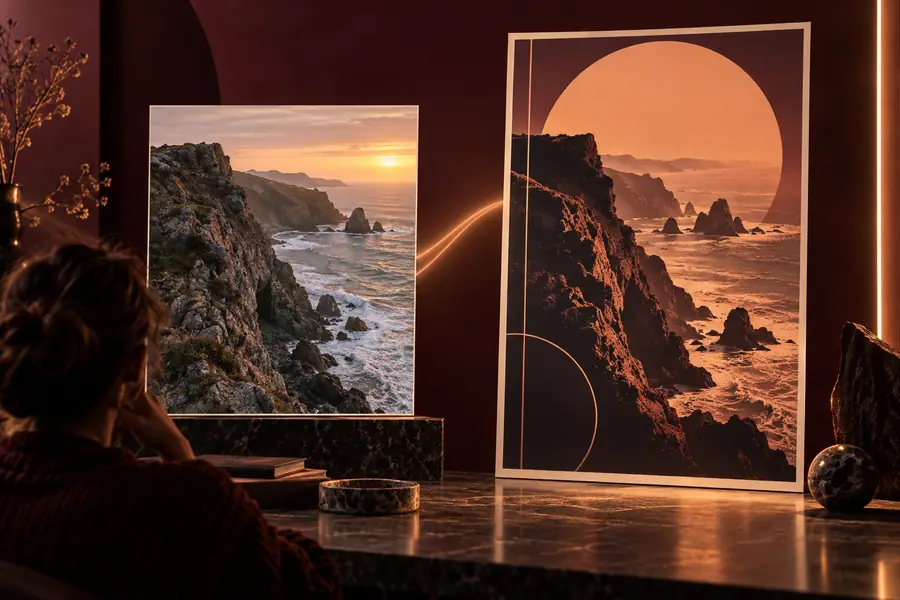
Aiposter landing visual showing an AI-generated poster concept

A/B structural difference table

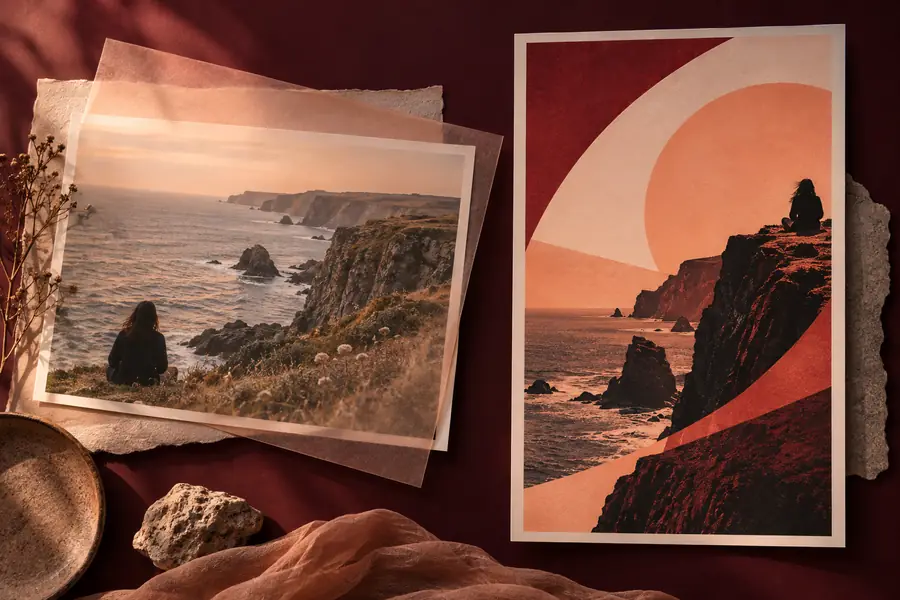
Compare the source visual with a poster-oriented composition. The useful change is not just a new style: the subject must still read clearly while the layout makes space for a message.

ReferencePoster concept
Creative poster concept presented alongside a visual reference Image-first AI poster maker visual Reference Poster concept

These are illustrative site visuals, not a documented before-and-after generation pair. Check your own output against the image you supplied.

Who starts with a reference image

Starting from an image is useful when the visual subject matters more than finding a new one. These briefs show what to specify before generating a poster.

Event organizer

You have a performer photo but need room for a date, venue, and title.

Keep the performer recognizable and ask for a quieter area behind the event details. A free ai poster generator from text is another option when the photo is not essential.

free ai poster generator from text

Small-business owner

You want a product image to lead a promotional poster.

Describe the product as the focal point and request clear space for a short offer. A free ai poster generator from text helps explore a layout before choosing the final product shot.

free ai poster generator from text

Community designer

You have a rough drawing that establishes the scene but not the finished look.

Identify the shapes and placement worth retaining, then describe the desired finish. A free ai poster generator from text can test alternate scenes without relying on the sketch.

free ai poster generator from text

What an image-first brief can carry over

1

Subject

Source image

The person, product, or object already in view

Poster concept

A subject to preserve and emphasize

2

Composition

Source image

Framing chosen for the original image

Poster concept

Framing adjusted to create a readable poster layout

3

Background

Source image

Existing setting and visual clutter

Poster concept

A setting that can be simplified or restyled

4

Text space

Source image

Often absent or incidental

Poster concept

An area requested for a headline and details

5

Color

Source image

Colors captured or drawn in the reference

Poster concept

A palette specified in the brief

6

Lettering

Source image

Any words already present in the image

Poster concept

Generated lettering that must be checked and may need replacing

What conversion loses

A reference image guides a new composition; it does not guarantee an exact edit. Review these details before treating the result as a finished poster.

  • Exact identity and product details

    A generated version may change facial features, packaging, logos, or other defining marks.

    WorkaroundCompare the result with the source image. If exact fidelity matters, place the original photo or product artwork into the final layout.

  • Reliable small text

    Dates, addresses, prices, and fine print may be misspelled or distorted in an image output.

    WorkaroundReserve a clean text area, then add and proofread essential copy in a text-capable editor.

  • Precise source-image geometry

    An image-led generation may shift edges, proportions, and object positions rather than preserving every pixel.

    WorkaroundDescribe the placement that matters most and inspect the result at its intended display size.

How to verify after

Check the poster against your source

Try an image-first brief, then compare the subject, composition, text space, and small details with your reference. Keep the version that communicates the message clearly—not merely the one that looks closest at a glance.

Create a poster
  • Confirm the subject still looks right
  • Read every word before sharing
  • Inspect the layout at its intended size

Variant FAQ

Yes. Use the image as a visual reference and describe the poster layout, mood, and text space you want. Treat the result as a new composition, then compare it with your source rather than assuming every detail has been preserved.

Choose one with a clear subject and enough visible detail to identify what matters. If the background is busy, say which elements should remain and which can be simplified.

Not necessarily. Image generation can alter defining details even when the overall composition looks similar. For an exact face, logo, or package, verify the output carefully and use the original asset in the final design where needed.

You can ask for space for a title and date, but inspect any lettering in the generated image closely. Add and proofread essential information separately if the words must be exact.

Create a poster
Create a poster