Community organizers
An organizer needs a direction for a local screening before the venue and schedule are confirmed.
A draft helps the team choose a mood; verified event details are added afterward.
free ai poster generatorAiposter guide
If you are asking what is ai poster generator, think of it as a tool that turns a written idea into a poster-style visual. You describe the subject, mood and layout; the tool proposes an image you can review and refine.
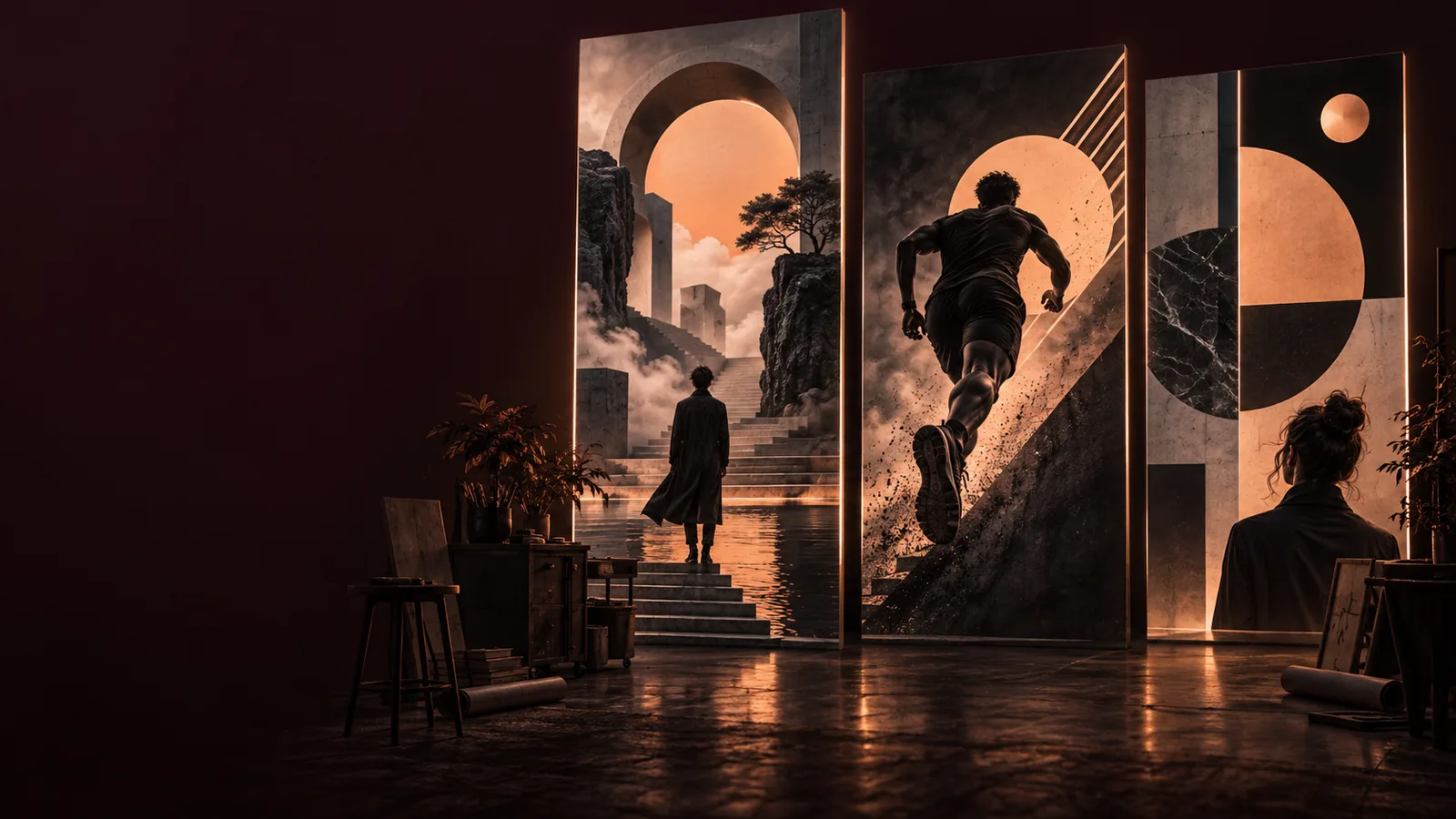
An AI poster generator interprets a prompt and produces a visual composition, but its first result is a draft—not a checked, print-ready design.
Generated images may misspell an event name, distort a date or turn small text into decorative marks.
WorkaroundCheck every word at full size and add essential copy in a text editor if the lettering is unreliable.
An AI poster can look convincing while showing an incorrect venue, time, product detail or visual claim.
WorkaroundCompare all factual details with your source material before publishing.
A generated composition does not establish permission to use a logo, a person's likeness or a recognizable protected character.
WorkaroundUse assets you have permission to use and review the final image for unintended references.
A visually sharp preview may lack the dimensions, bleed or legible fine detail required by a printer.
WorkaroundConfirm export dimensions and request a proof at the intended physical size.
The generator uses your instructions to select visual elements and arrange them into a poster concept. Specific prompts give you more useful starting points.
Name the audience, main subject, desired mood and intended placement. For example, describe a neighborhood film night poster with a dark blue palette and room for a date.
The tool interprets those instructions and proposes imagery, color and composition. Treat any rendered words as provisional until you inspect them closely.
Check the focal point, contrast, spacing and factual details. Revise the prompt or finish precise typography elsewhere before sharing or printing.
Once the basic process makes sense, the best next guide depends on whether you have written instructions, an existing image or a reusable layout in mind.
A generator is strongest at exploring visual directions quickly. Tasks that require exact information or production specifications still need a human check.
AI-generated draft
Human-checked final poster
AI-generated draft
Proposes imagery, color and mood from a prompt.
Human-checked final poster
Selects a direction that suits the audience and purpose.
AI-generated draft
Suggests a hierarchy and focal point.
Human-checked final poster
Adjusts spacing around real copy and required details.
AI-generated draft
May render words inaccurately inside the image.
Human-checked final poster
Uses verified, editable text.
AI-generated draft
Reflects the prompt but does not confirm its accuracy.
Human-checked final poster
Checks names, dates, locations and contact information.
AI-generated draft
Can suggest a general visual direction.
Human-checked final poster
Uses approved logos, colors and imagery.
AI-generated draft
Provides a visual draft whose output needs inspection.
Human-checked final poster
Checks dimensions, legibility and printer requirements.
An AI poster is useful when someone needs to test a visual idea before investing time in exact copy and finishing work.
An organizer needs a direction for a local screening before the venue and schedule are confirmed.
A draft helps the team choose a mood; verified event details are added afterward.
free ai poster generatorAn artist wants to compare drawn textures and compositions for a personal project.
Several concepts make it easier to choose what to develop by hand.
ai poster drawingA creator needs a consistent mood for a series of announcement graphics.
A visual draft establishes colors and atmosphere before final captions are placed.
ai poster for aestheticA team has a product photo and wants to explore ways to frame it as a campaign visual.
Image-led variations reveal compositions worth refining with approved assets.
ai poster maker from imageDescribe the subject, audience, mood and space needed for final text. Use the result to explore a direction, then check its lettering, facts and output size before it goes anywhere public.
Create a posterIt is used to turn a short creative brief into a poster-style visual concept. People use it to explore imagery, color and composition for events, campaigns or personal projects before preparing a final design.
A template starts with a predefined arrangement that you fill in. A generator proposes a composition from your description, so the imagery and layout can vary between drafts; neither approach removes the need to check final copy.
You can ask for specific wording, but text embedded in a generated image may be misspelled or hard to read. Inspect it closely and place essential words with an editable text tool when accuracy matters.
No. Start by naming the poster's purpose, audience and main subject, then add a color or mood and say where text should go. Reviewing the first draft will show which instructions need to be clearer.
Not automatically. Check its dimensions and detail at the intended size, verify every word and confirm any requirements with your printer before treating it as a finished file.