
A Aiposter.

Words to visuals

Make your next design with a free ai poster generator from text

Start with a written idea instead of a blank canvas. Describe the subject, mood, colors and intended format, then review the resulting poster concept before using it.

Check lettering before sharing
Aiposter landing-page artwork showing poster design possibilities

What this variant is

A text-first workflow begins with a description rather than an uploaded picture. The table shows what your words can direct and what still needs your review.

1

Subject

Written brief

Name the person, product, place or event

Poster concept

Check that the intended subject is recognizable

2

Style

Written brief

Specify a look such as minimal, retro or illustrated

Poster concept

Check whether the visual treatment fits the brief

3

Palette

Written brief

Describe two or three colors and their roles

Poster concept

Check contrast, especially around important details

4

Composition

Written brief

Request a focal point and space for copy

Poster concept

Check that the layout has a usable text area

5

Format

Written brief

State portrait, square or landscape intent

Poster concept

Check the crop for the destination

6

Lettering

Written brief

Provide any headline or event details

Poster concept

Verify every word, number and date manually

7

Final use

Written brief

Describe where the poster will appear

Poster concept

Check readability at that viewing size

Why words need a visual pass

A prompt can describe a strong idea without specifying every placement. Use the divider to compare a rough concept with a poster treatment, then inspect the output against your own brief.

ConceptPoster treatment
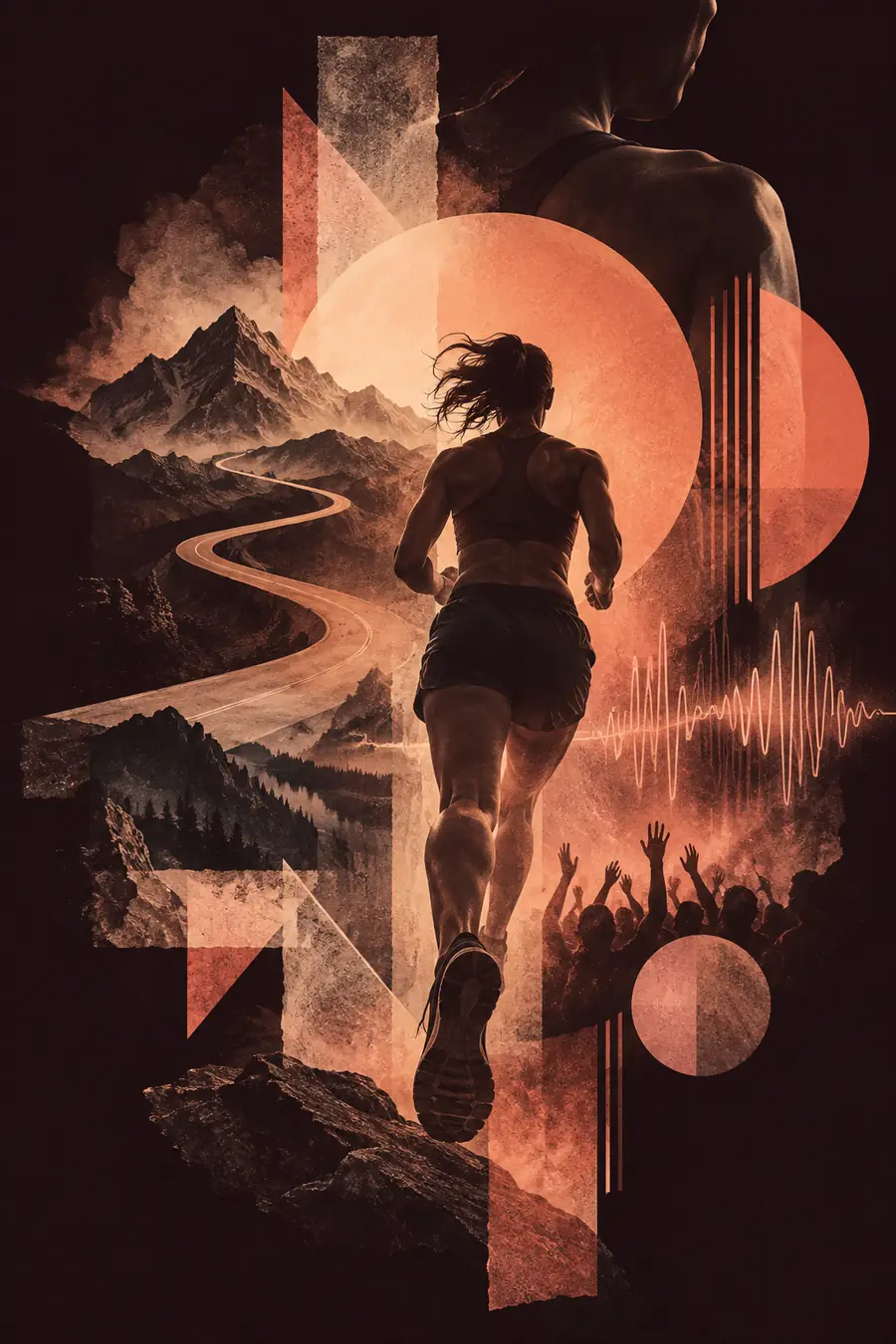
Poster concept artwork used as the visual comparison's starting side Text-to-poster artwork used as the visual comparison's finished side Concept Poster treatment

These images illustrate a visual comparison, not a guaranteed result from a particular prompt. Check your own output for layout, legibility and accurate details.

The tool block

Begin with the information you have. These starting points show when a text prompt is enough and when a different poster workflow may fit better.

Event organizer

You have a date, venue and mood but no artwork. Draft a prompt that reserves space for the details; verify every date and name in the result.

If you want to begin without an account, the free ai poster generator without login page explains that starting route.

free ai poster generator without login

Teacher

You need a classroom announcement. Describe the topic, audience and visual hierarchy before adding any required wording.

For a repeatable brief, the ai poster tutorial template provides a structure you can adapt.

ai poster tutorial template

Photographer

You already have a portrait that must remain central. A text-only description may not preserve the identity or framing you need.

The ai poster maker from image page covers the image-led alternative.

ai poster maker from image

Room decorator

You want wall art around a color palette rather than an event announcement. Put the palette, texture and atmosphere in your brief.

The ai poster for aesthetic page focuses on mood-led poster choices.

ai poster for aesthetic

From brief to poster

The useful part of generating a poster from text is the revision loop: say what matters, inspect what appeared and correct what did not.

  1. 1

    Write the brief

    State the subject, audience, intended format and two or three visual cues. If exact wording matters, keep a separate copy of it for verification.

  2. 2

    Review the concept

    Look for a clear focal point, sufficient contrast and space for the message. Treat generated lettering as provisional rather than publication-ready.

  3. 3

    Refine and check

    Adjust one instruction at a time, such as palette or composition. Before sharing, confirm names, dates, spelling and the crop at the size you plan to use.

Make a poster from your words

Give your idea a visual starting point

A free ai poster generator from text is most useful when your brief is specific and your final checks are deliberate. Start with the subject and mood, leave room for essential copy, and review the result before publishing.

Generate my poster
  • Describe the subject and visual style
  • Reserve space for important wording
  • Verify details in the finished design

Variant FAQ

Include the subject, intended audience, mood, color palette and format. If the poster needs a headline, ask for clear space for it and check any generated lettering carefully.

A written brief can provide enough direction for an initial event poster concept. Check the date, venue, names and other factual details yourself before you share it.

Do not assume text inside generated artwork will be spelled or placed exactly as requested. Compare the result with your original copy and correct important wording before publication.

Start with an image when an existing photograph, product shot or specific composition needs to remain recognizable. A text-first approach is better suited to exploring a visual direction without relying on a particular source picture.

Create a poster
Create a poster