The event organizer
A venue, date and lineup must remain accurate even if the background changes.
Start with a concept, then use an editable workflow to place and verify the event copy.
free ai poster generator from textOutput or tool
The ai poster vs ai poster maker distinction is simple: a poster is the visual you want to finish, while a maker is the tool you use to create and refine it. Your best starting point depends on how much control the finished design needs.
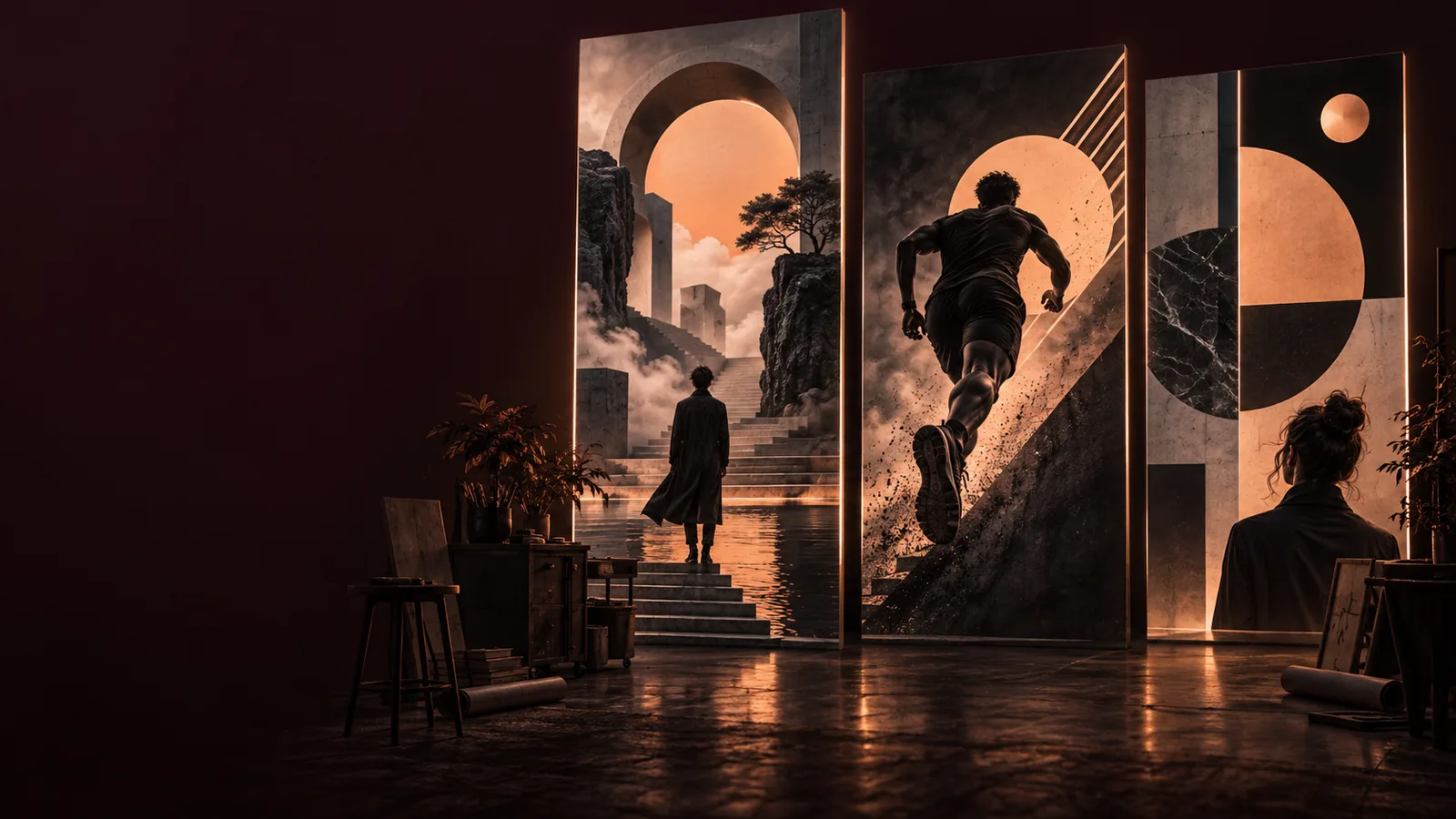
If you need a finished concept, think in terms of the poster. If you need to place, revise and check its parts, think in terms of the maker. The comparison table below breaks down that choice.
Neither label guarantees a polished, print-ready result. These are the limits to plan around before choosing a workflow.
An ai poster may look complete while its headline, date and background are fused into one image. Small wording changes can mean generating the whole composition again.
WorkaroundKeep critical wording separate until you have approved the visual direction, then add and proofread it in an editor.
A poster maker gives you a place to iterate, but it cannot decide the audience, message or visual hierarchy for you. More controls do not automatically produce a clearer poster.
WorkaroundWrite down the intended audience, one primary message and the action viewers should take before selecting a style.
The words poster and maker do not tell you whether a particular output includes editable layers, the resolution you need or a suitable file for printing.
WorkaroundCheck the actual export options and inspect the result at its intended display size before committing to a format.
AI-generated lettering can look convincing at a glance while spelling names, dates or contact details incorrectly. That risk matters more for public event and business posters.
WorkaroundProofread every word in the final image and replace unreliable generated lettering with text you can edit.
Both routes begin with a brief. What differs is whether you treat the first image as the deliverable or as material for further composition.
Specify the audience, occasion, visual mood and most important message. For an ai poster concept, describe the image you hope to see. For a maker workflow, also list the elements you expect to move or rewrite.
Generate or select a composition, then judge whether its subject and hierarchy communicate at a glance. Do not treat attractive colors alone as proof that the headline or event details will be readable.
For a quick concept, choose the strongest poster and inspect its details. For a public-facing design, continue in a maker or editor to refine text, spacing, cropping and the final export.
The images illustrate two ways to think about the same design task: judging a visual concept and planning a composition you can keep refining.
These are illustrative examples, not a literal before-and-after edit of one file. Compare the decisions each route asks you to make rather than assuming either image has editable layers.

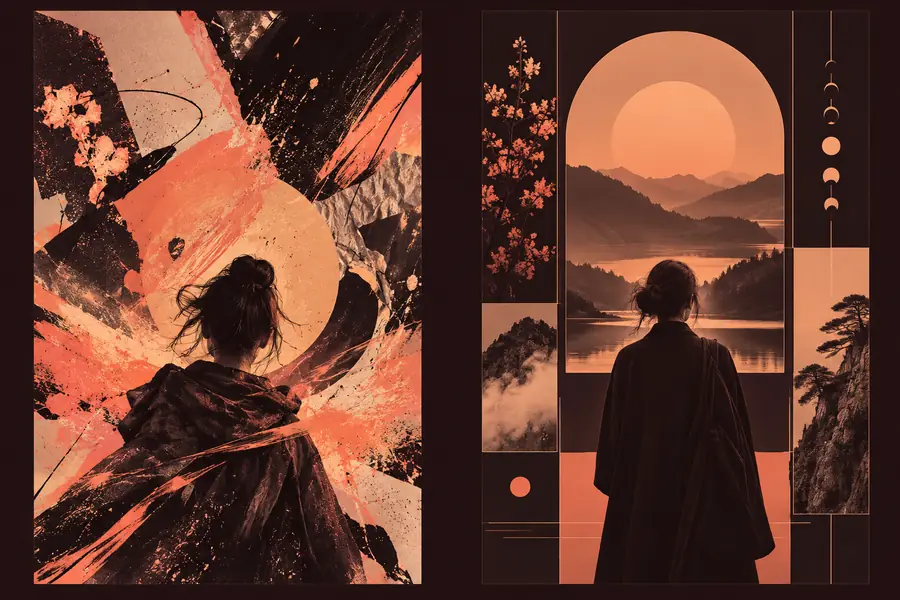
In ai poster vs ai poster maker comparisons, the useful question is not which term sounds more capable. It is whether your task ends with selecting an image or requires ongoing changes.
AI poster as an output
AI poster maker as a workflow
AI poster as an output
The finished or draft visual: a poster image you can evaluate, share or use as a starting point.
AI poster maker as a workflow
The creation process or tool used to develop a poster and potentially revise its component parts.
AI poster as an output
Usually a description of the desired subject, mood and composition.
AI poster maker as a workflow
A brief that may combine a visual prompt with copy, layout choices and existing imagery.
AI poster as an output
Does this result express the idea well enough to keep?
AI poster maker as a workflow
Which elements should change before the design is finished?
AI poster as an output
Text embedded in the image may require a new result or separate editing.
AI poster maker as a workflow
Text may be easier to revise if the chosen maker exposes editable text controls; check the specific tool.
AI poster as an output
Exploring visual directions, mood boards and concepts with limited copy.
AI poster maker as a workflow
Developing event, campaign or informational designs that need review and revision.
AI poster as an output
Check image quality, visual relevance and any generated lettering.
AI poster maker as a workflow
Check those same details plus layout, copy accuracy and available export options.
AI poster as an output
A convincing image is automatically ready for print or publication.
AI poster maker as a workflow
A tool described as a maker automatically provides editable layers and every export format.
Choose by the work left after the first draft. The right workflow for a visual experiment may not be the right one for a poster carrying an address and deadline.
A venue, date and lineup must remain accurate even if the background changes.
Start with a concept, then use an editable workflow to place and verify the event copy.
free ai poster generator from textAn existing portrait should become the focal point of a campaign poster.
Build around the supplied image rather than relying on a newly imagined face or scene.
ai poster maker from imageThe goal is to test color, texture and composition before settling on copy.
Explore poster concepts first; reserve detailed layout work for the direction you choose.
ai poster for aestheticA sketch-like image matters more than a dense block of information.
Prioritize the illustrative poster, then add any essential words where they can be checked.
ai poster drawingYou do not have to commit to one label for the entire project. Draft an ai poster to find a compelling direction, keep the strongest version, then move to a maker or editor if the headline, layout or export needs deliberate revision. Before sharing the result, inspect it at the size people will actually see and check every piece of copy.
Explore poster creationAn AI poster is the visual result, whether it is a rough concept or a finished design. An AI poster maker refers to the tool or workflow used to create it. The distinction matters when you need to know whether you can revise individual elements after the first result.
Not necessarily. If you are exploring a mood, subject or composition, a generated poster concept may be enough to evaluate the direction. You will need a way to edit further if the chosen image must carry precise copy or meet a particular output requirement.
That depends on how the words were created and what controls the tool provides. Lettering rendered as part of a single image may not be directly editable, even when it looks like ordinary text. Keep important wording in an editable text field or add it later in an editor.
A generated image can establish the event's visual atmosphere quickly. A maker or editor is generally more useful for finishing details that must be exact, such as a date, venue and lineup. Proofread those details in the final export, not just in the original brief.
No. The maker label alone says nothing certain about export dimensions, file type, resolution or editable layers. Check the specific output and, if you plan to print it, confirm the printer's requirements before treating the design as final.