A Aiposter.

Create with Aiposter

Use an ai poster maker to shape your next design

Start with a message, an audience, and a visual direction. Aiposter helps you turn those details into a poster concept you can inspect, refine, and adapt for its intended use.

Review text before sharing
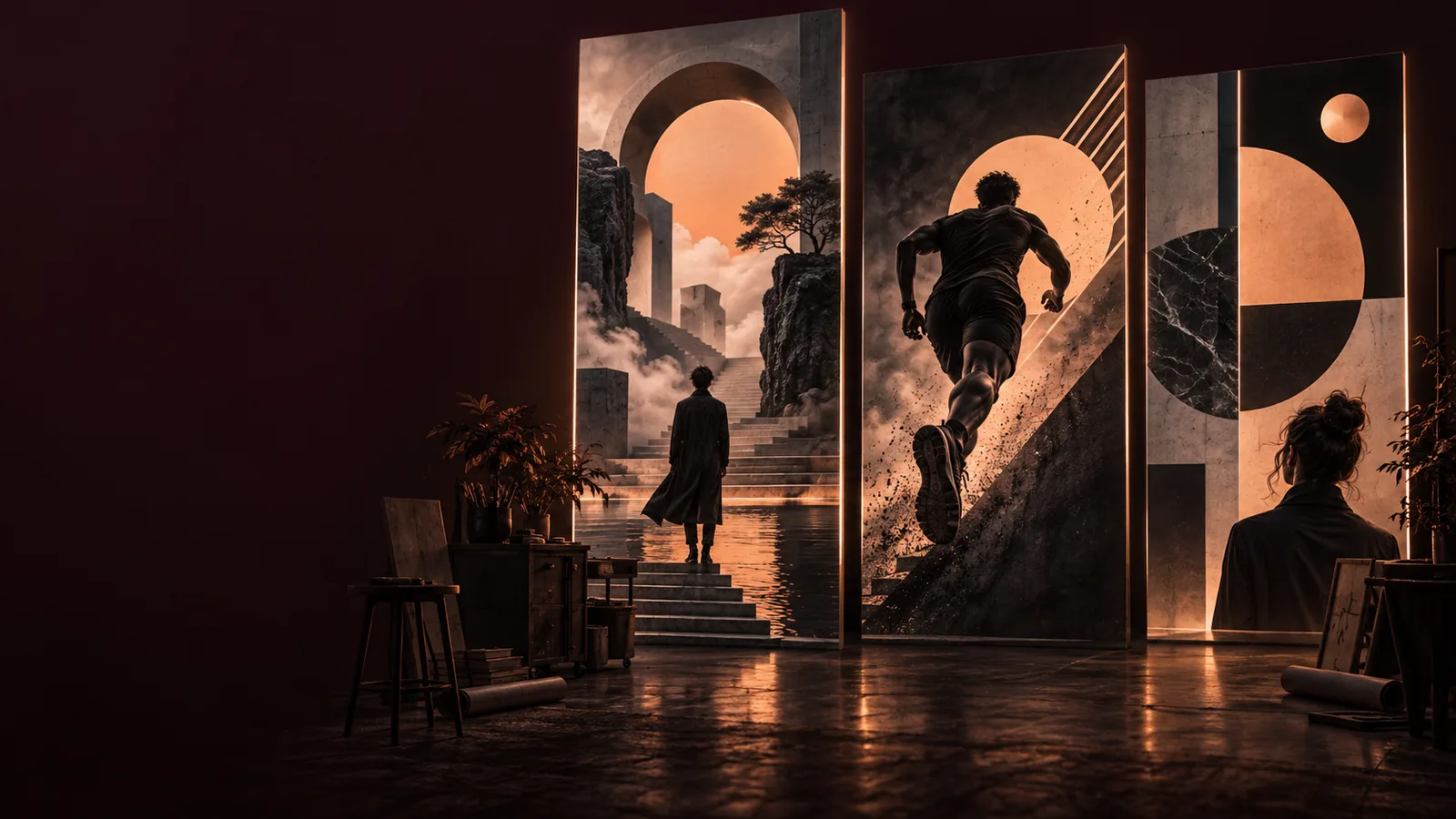
Aiposter landing visual showing a stylized poster composition

This entry point versus a general poster generator

A general generator is useful when you want to explore images. A maker prompt starts with the poster's job: what people should notice, what they need to know, and where the design will appear.

Three decisions a maker prompt puts first

The distinction is in the brief, not a guaranteed output. These three starting points make a poster request more useful than asking for an attractive image alone.

Event organizer

You need a film-night poster that draws attention without burying the date and venue. Describe the audience, atmosphere, and which information deserves the clearest space.

You have a concept to judge against the event's practical needs, rather than an image chosen only for its mood.

ai poster tutorial template

Illustrator

You have a visual theme but want the drawing style to carry the message. Specify the subject, palette, and amount of open space around the artwork.

You can assess whether the illustration supports the poster instead of competing with its eventual text.

ai poster drawing

Community coordinator

You have a photograph worth keeping, but it needs a clearer promotional purpose. Identify what must remain recognizable and where event details should sit.

You can compare the result with your original image and reject changes that obscure important details.

ai poster maker from image

How to start with a usable brief

A short, specific prompt gives you something concrete to review. Treat the first result as a draft, especially if the poster needs to convey exact information.

  1. 1

    Name the poster's job

    Say whether it announces an event, introduces a campaign, or sets a decorative mood. Add the intended audience so the design has a clear point of view.

  2. 2

    Set the visual direction

    Choose a subject, palette, format, and level of detail. If text will be added later, ask for open space rather than relying on generated lettering.

  3. 3

    Review the result against the brief

    Check the focal point, legibility, and room for essential details. Revise the prompt when the hierarchy is wrong; verify every name, date, and location separately.

Limits to check before using the result

A generated poster concept can speed up visual exploration, but it does not remove the need for editorial, rights, and production checks.

  • Exact lettering is not assured

    Generated words may be misspelled, distorted, or hard to read at small sizes. Do not assume an attractive preview contains publishable event information.

    WorkaroundCheck every word and add critical copy in a layout tool if precise typography is needed.

  • Print readiness is not automatic

    An image that looks good on screen may not match a printer's dimensions, margins, or resolution requirements.

    WorkaroundGet the required specifications from your printer and inspect the final file at its intended size.

  • A prompt does not clear rights

    Requests involving logos, recognizable people, or another creator's work can raise permission questions that the image itself cannot resolve.

    WorkaroundUse material you have permission to use and review applicable rights before publishing.

Give your poster a clear purpose

Start with the message, then shape the visual

Tell Aiposter who the poster is for, what it should communicate, and how it should feel. Keep the first brief focused, inspect the resulting concept, and make a second pass where the message or composition needs work.

Create a poster
  • Describe the audience and intended use
  • Specify the subject and visual mood
  • Verify important details before sharing

AI poster maker questions

Include the poster's purpose, audience, subject, palette, and intended format. If it needs event information, describe where that information should go, then check the actual wording before using the result.

A written brief is a useful starting point when you do not have an image ready. Begin with the message and visual direction, then adjust the prompt if the first concept emphasizes the wrong thing.

Do not rely on generated lettering for names, dates, addresses, or other essential copy. Inspect the output closely and use a layout tool to add or correct text when accuracy matters.

You can explore an event-poster concept by specifying the audience, atmosphere, and space for practical details. Before publishing, verify the event information, image permissions, and file requirements for the place it will appear.

Create a poster
Create a poster