Event organizer
A concert needs an expressive scene without burying its date and venue.
Explore the artwork first, then place verified event details in a clear layout.
ai poster makerDrawn poster ideas
Use Aiposter to describe a scene, choose a drawing style, and explore a poster composition. Start with a clear subject and leave room for any text you plan to add later.
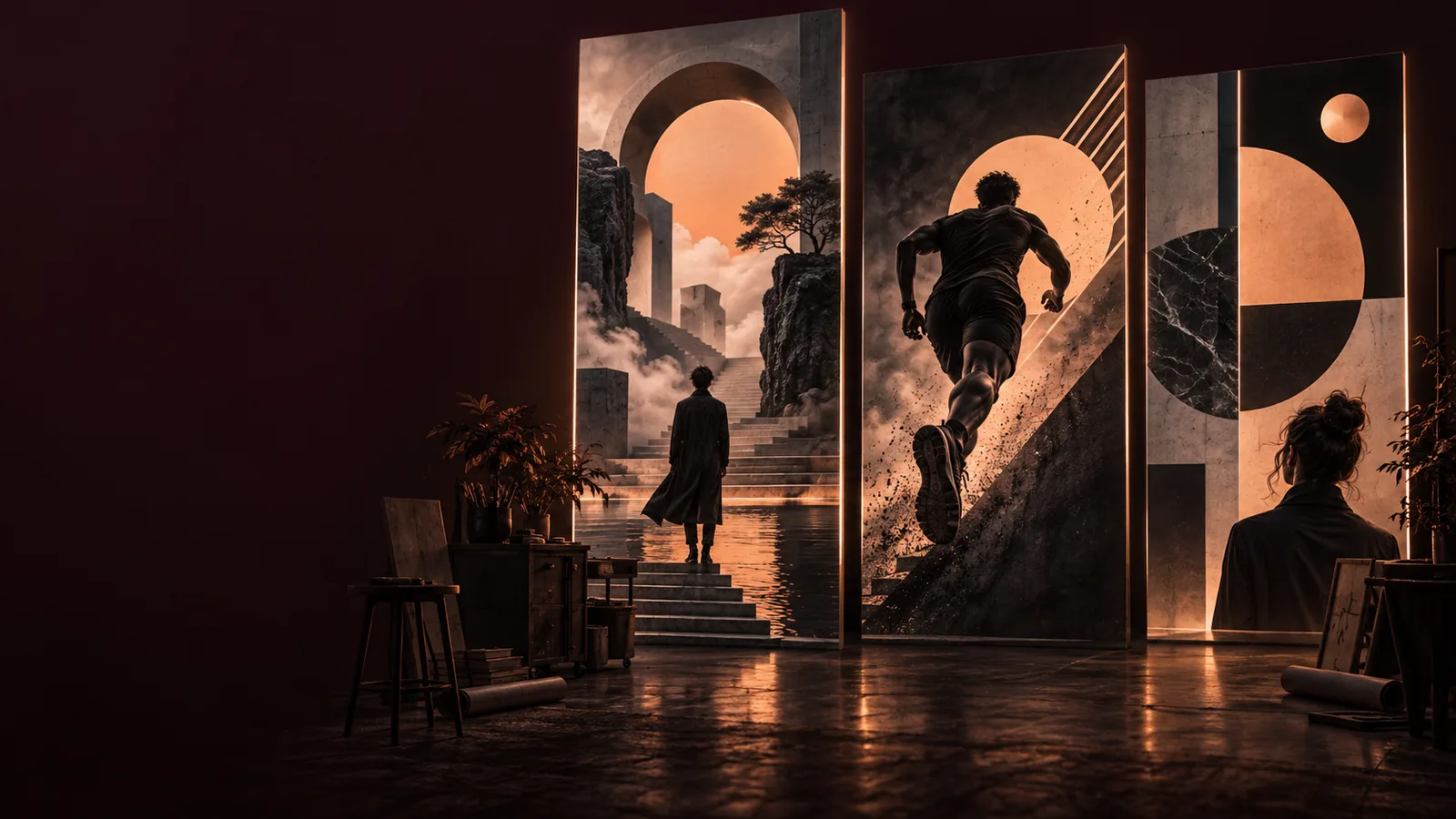
A drawn look works best when you decide whether you need a fresh illustration, an image-based starting point, or a broader poster layout.
A generated concept is a starting point, not a finished production file. Check these edges before you publish or print.
Illustrated scenes can contain misspelled words or decorative marks that resemble text. Dates, venues, and names need a separate accuracy check.
WorkaroundAsk for blank headline space, then add verified copy in a layout editor.
A prompt for a person, pet, or landmark may produce a recognizable theme without preserving every defining feature.
WorkaroundUse a permitted reference image where available and compare the result with it.
Delicate hatching and small details can disappear when a poster is reduced to a social thumbnail or prepared for print.
WorkaroundInspect the artwork at its intended display size and simplify crowded areas.
Generating an image does not confirm that every depicted logo, character, or reference is safe to use publicly.
WorkaroundAvoid protected elements you do not have permission to use and review the final image.
Three prompt decisions do most of the work: what to draw, how it should feel, and where the message will go.
Describe one main figure, object, or scene. For example, a cyclist crossing a rain-soaked bridge gives the drawing a clearer center than a long list of unrelated objects.
Choose concrete visual cues such as ink wash, pencil shading, woodcut texture, or flat screen-print shapes. Add a restrained palette so the illustration feels coherent.
State where the headline belongs and keep that region uncluttered. Check the result for unwanted lettering, awkward anatomy, weak contrast, and details that distract from the message.
The two approaches solve different parts of the poster problem. Use the comparison to decide what should be generated and what deserves manual control.
Prompt-led illustration
Manual drawing
Prompt-led illustration
A written description of the scene
Manual drawing
A sketch, reference, or blank canvas
Prompt-led illustration
Guided through instructions and review
Manual drawing
Placed directly by the artist
Prompt-led illustration
Try different described treatments
Manual drawing
Develop each treatment by hand
Prompt-led illustration
May vary between results
Manual drawing
Can be deliberately repeated
Prompt-led illustration
Best reserved as empty space
Manual drawing
Can be drawn or placed precisely
Prompt-led illustration
Exploring directions for a brief
Manual drawing
Finishing details that must match a specification
These are illustrative examples, not a verified before-and-after generation. Use them to compare visual direction, then judge your own result against its brief.
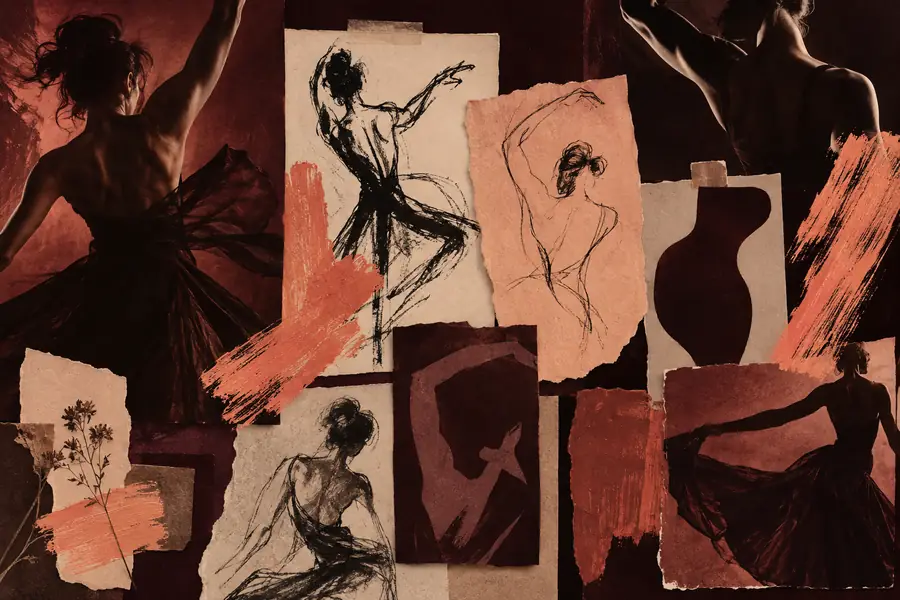
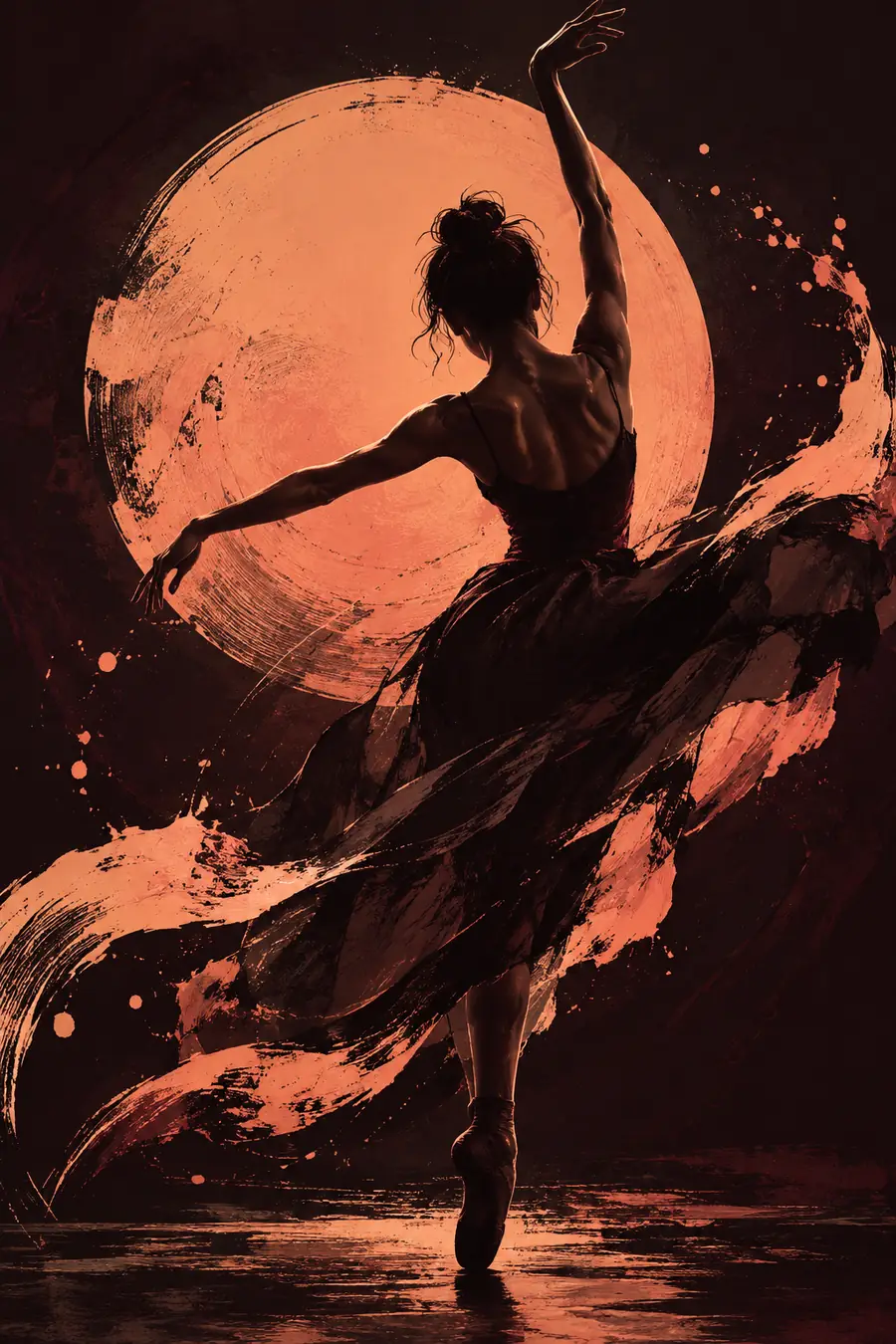
Different audiences notice different details. Keep the drawing expressive, but plan the information each poster must communicate.
A concert needs an expressive scene without burying its date and venue.
Explore the artwork first, then place verified event details in a clear layout.
ai poster makerA local campaign has a photograph but wants a more illustrated feel.
Use the photo as a visual starting point while checking that key features remain recognizable.
ai poster maker from imageA classroom announcement needs a welcoming picture based on a short brief.
Describe the subject and palette in words, then add readable information separately.
free ai poster generator from textA print series needs a consistent mood across several poster concepts.
Define repeatable colors and drawing cues before exploring individual scenes.
ai poster for aestheticWrite a focused drawing brief with a subject, visual treatment, palette, and space for a headline. Treat the result as artwork to inspect and refine, not as automatically finished poster copy.
Create poster drawingName the subject, drawing style, color palette, and intended layout. Mention where you want clear space for a headline, and keep important event wording out of the artwork prompt unless you plan to check it carefully.
You can describe hand-drawn qualities such as pencil grain, uneven ink lines, or watercolor washes. The result may suggest those materials visually, but it is not a physical drawing made with them.
Do not assume it will. Image generation can distort letters, names, and dates, so leave room in the composition and add essential wording separately.
Ask for one focal subject, a limited palette, and quiet space behind the headline. Review the image at the size your audience will see, because fine details and low-contrast areas can become hard to read.