Community organizer
You have an event theme but no artwork for the announcement.
Generate a visual direction with room to add the confirmed date, venue, and accessibility details afterward.
write a poster brief from textStart with words
A free ai poster generator gives you a starting image for an event, campaign, or personal project. Describe the subject, mood, colors, and layout you want; then review the result before adding any essential text.
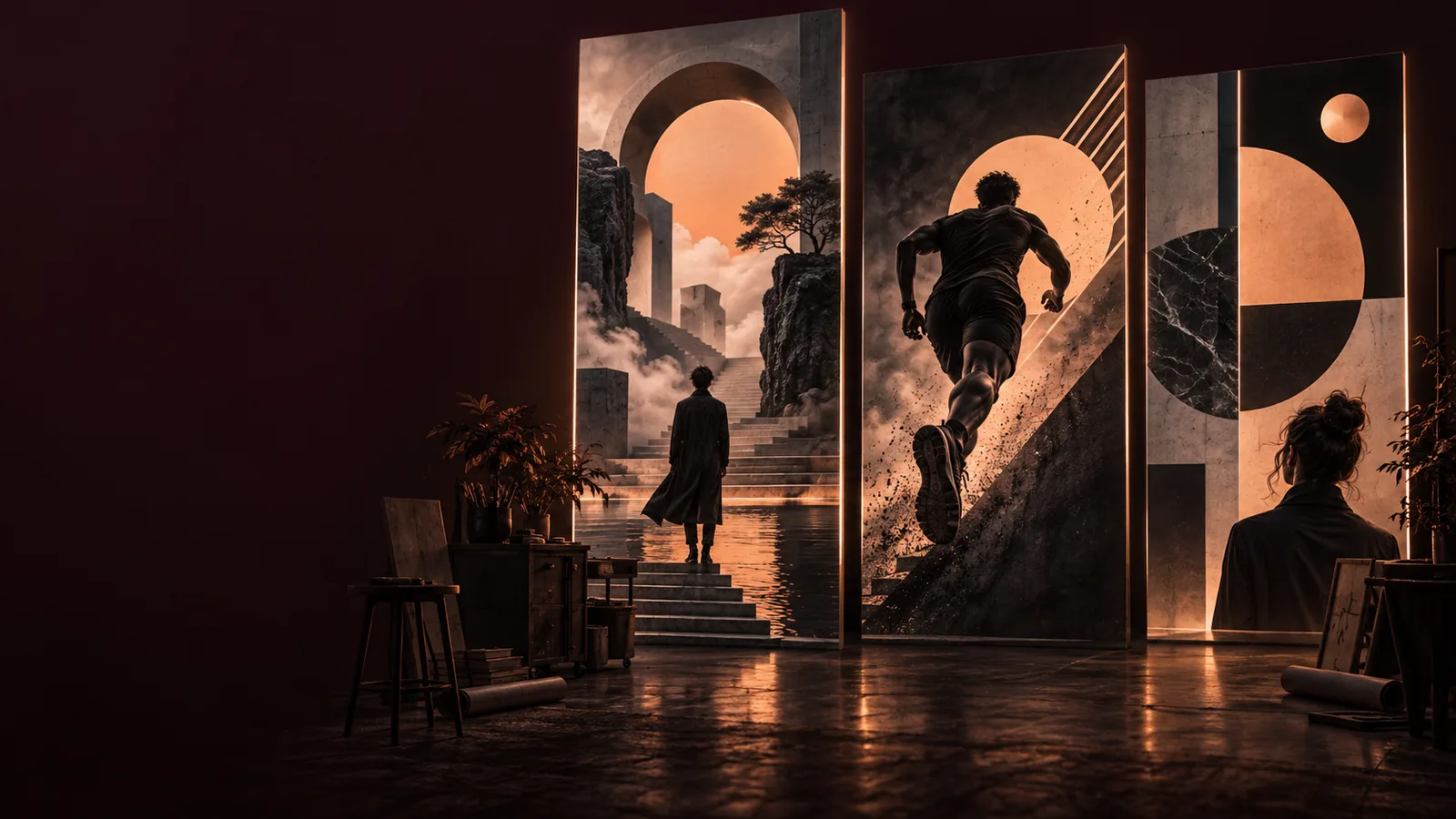
The kind of input you have changes how you approach an ai poster. These related guides focus on different ways to begin.
A generated image is a draft, not a finished communication piece. Check these details before you use it publicly.
Image generation may distort dates, names, logos, or small print, even when the surrounding design looks polished.
WorkaroundAsk for clear space where the title and details should go, then add verified text separately.
A visual resembling a known character, brand, or artist's work may raise questions that the generator cannot resolve.
WorkaroundDescribe original visual traits and review the result for recognizable protected elements.
A compelling on-screen concept does not by itself establish the dimensions, resolution, or color handling a printer requires.
WorkaroundAsk your printer for specifications and inspect the available output before committing to a print run.
Do not assume a particular export format, unlimited attempts, or the absence of a watermark without checking the tool's current options.
WorkaroundTest one draft and inspect the available download choices before planning a larger project.
A useful brief gives the image direction without asking it to solve every part of the finished design.
Name the audience and occasion first: for example, an outdoor film night for local families. This helps establish whether the ai poster should feel playful, formal, dramatic, or calm.
Add a subject, a color palette, a composition, and the space needed for a headline. Instead of requesting perfect event copy inside the image, ask for an uncluttered area to place it later.
Look for confusing imagery, crowded edges, and weak contrast. Change one part of the prompt at a time so you can tell which instruction improved the poster concept.
The same ai poster workflow can support different projects, provided each person checks the final message and visual details.
You have an event theme but no artwork for the announcement.
Generate a visual direction with room to add the confirmed date, venue, and accessibility details afterward.
write a poster brief from textYou want concert artwork that matches the atmosphere of a release.
Try visual descriptions for color, lighting, and composition, then place the artist and venue names as verified type.
explore an aesthetic directionYou have an approved photograph and need ideas for a campaign layout.
Use the photo as a visual reference where supported, while checking that the product and message remain accurate.
start from an imageUse this comparison to keep creative exploration separate from factual and production checks.
Generated concept
Your final review
Generated concept
Suggests lighting, texture, and atmosphere
Your final review
Confirms the mood fits the audience
Generated concept
Proposes a visual hierarchy
Your final review
Checks room for the real headline and details
Generated concept
May depict lettering inaccurately
Your final review
Adds and proofreads exact wording
Generated concept
Can follow descriptive color cues
Your final review
Applies approved assets and checks consistency
Generated concept
May imply details not present in the brief
Your final review
Removes unsupported or misleading content
Generated concept
Provides a visual draft to inspect
Your final review
Checks available files against sharing or print requirements
These images illustrate a creative starting point and a possible poster treatment; they are not a documented before-and-after generation.
Use the comparison for inspiration, then check lettering, image details, and suitability in your own result.
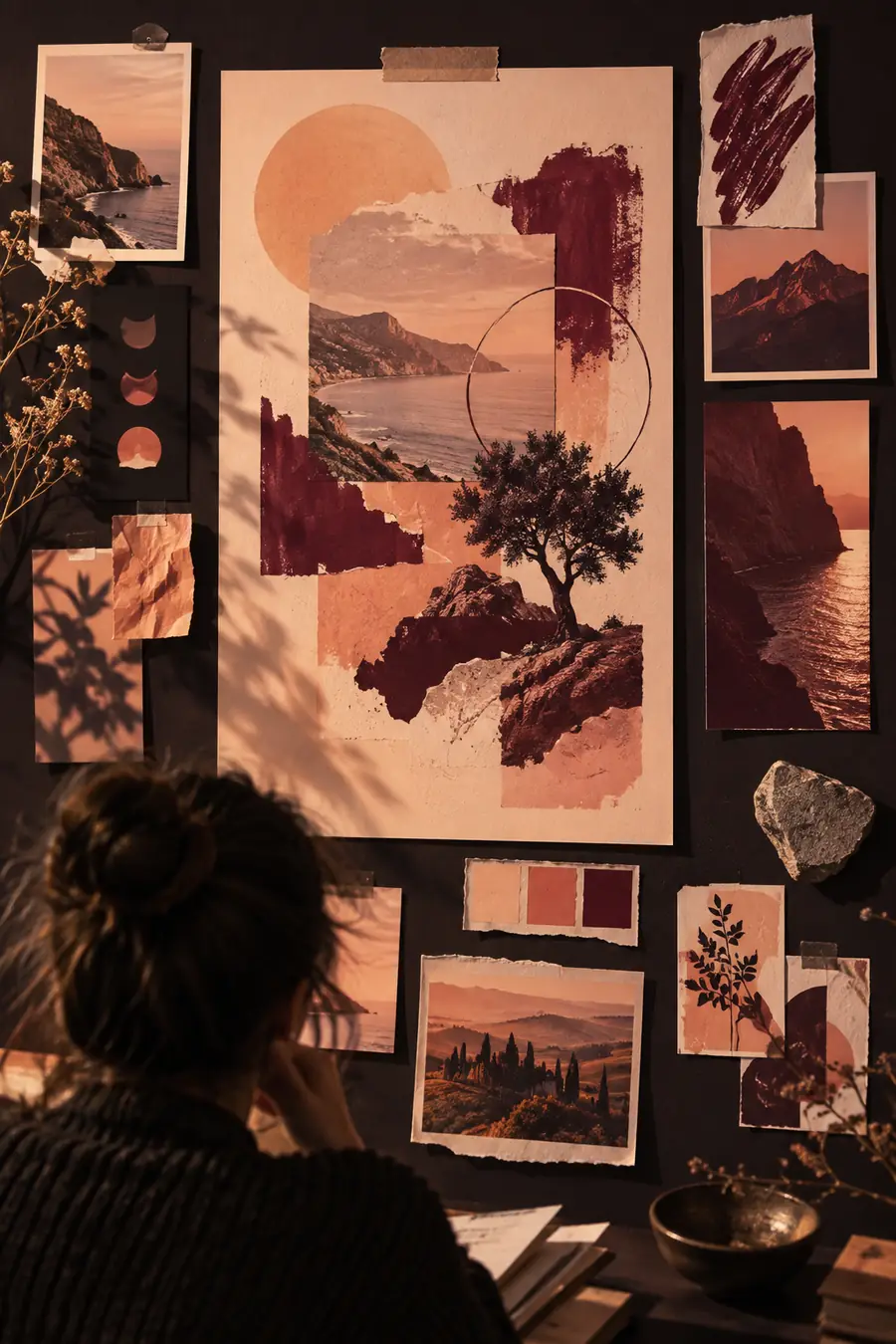
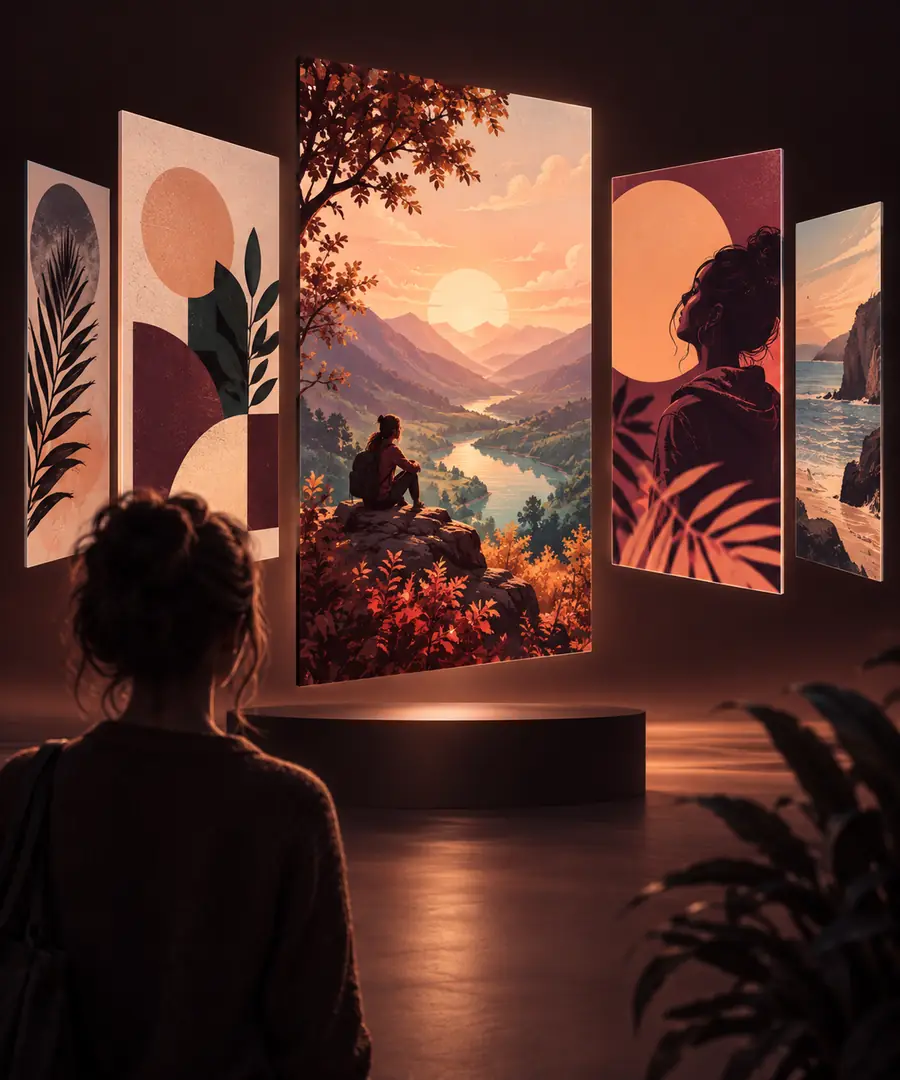
Begin with the occasion, visual subject, palette, and space for your message. Treat the first result as a draft: refine the image, add accurate text, and inspect it at the size you intend to use.
Generate poster conceptYou can explore visual concepts for events, announcements, campaigns, and personal projects. Describe the subject and style you want, then check whether the result communicates the right idea before using it.
Include the poster's purpose, main subject, mood, colors, and preferred composition. If it needs an exact title or date, request open space for that information and add the verified wording afterward.
Do not rely on image-generated lettering for names, dates, addresses, or other essential details. Proofread those facts and place them as editable text in your finished design.
Not necessarily. Check the available file, its dimensions, and your printer's requirements before printing, especially if the design contains fine details or small type.
Review it first for unclear imagery, misleading details, unwanted resemblance to existing work, and enough contrast for your message. A short prompt revision and a separate text pass often make the concept more useful.