AI Poster: Seedance 2.5 Review of ByteDance’s Video Model
Explore how Seedance 2.5 handles video generation, references and timestamp editing, and what its access options mean for ai poster creators planning motion content.
If you came looking for ai poster ideas, this review covers a related visual workflow: using images and other references to guide video generation with Seedance 2.5. It explains the model’s editing features and access options without suggesting it is part of an ai poster tool.
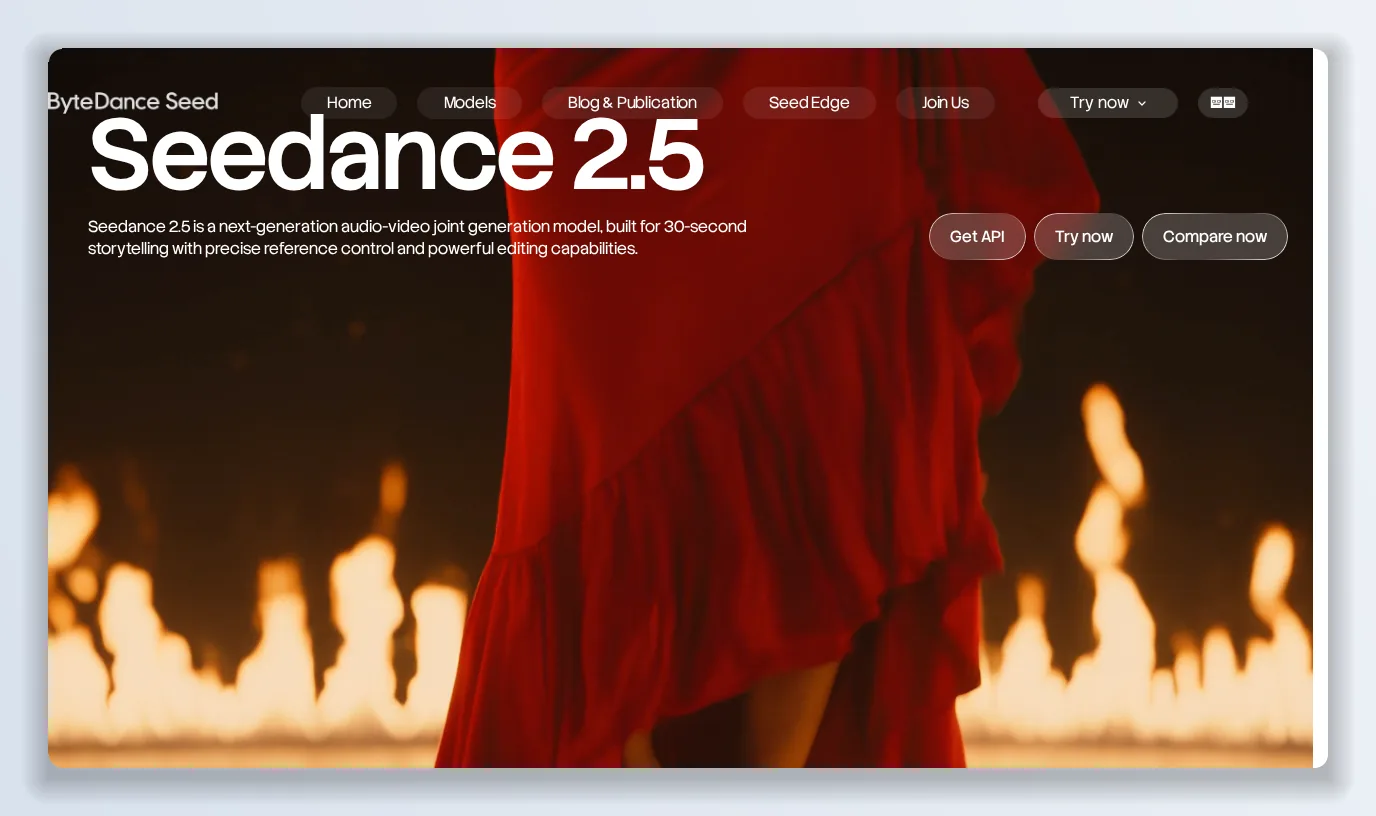
Seedance 2.5 is ByteDance Seed’s new-generation audio-video model: 30 seconds in a single pass, multi-round extension into multi-minute stories, up to 50 reference inputs and timestamp-level editing. I went through the launch post, the model page and the Dreamina rollout to explain what Seedance 2.5 actually changes, how to get it, and what it costs to use.
When Seedance 2.0 arrived, the story was “one model that generates video and audio together”. Seedance 2.5, launched by ByteDance’s Seed team on 31 July 2026, is about something different: finishing a creative work rather than generating a clip. The headline number is 30 seconds in one take — double the 15 seconds of Seedance 2.0 — but the more consequential changes are multi-round extension, a much bigger reference budget and editing that targets a timestamp instead of regenerating the whole scene. I spent several days with the Seedance 2.5 launch materials, the model page, the prompts ByteDance published alongside its demo films, and the Dreamina product pages where Seedance 2.5 is now live worldwide.
Because Seedance 2.5’s access story is still fragmented across Jimeng, Doubao, Dreamina and a not-yet-shipped API, I also kept a video studio that already ships Seedance under one credit system, Kyncept, open in the next tab — more on that at the end.
“Built for 30-second storytelling with precise reference control and powerful editing capabilities” — the Seedance 2.5 model page in one line.
What Seedance 2.5 is
Seedance 2.5 is a unified multimodal audio-video joint-generation model. It builds on the Seedance 2.0 architecture and centres on two things: foundational generation (text-to-video, image-to-video) and reference-based generation (R2V), where images, video clips and audio guide the output. ByteDance frames the release around three breakthroughs — long-form storytelling, multimodal reference and editing — and says the goal is to carry a creator “from idea to finished video with greater control”.
Thirty seconds, then extend
The single-pass limit moves from 15 to 30 seconds. More importantly, Seedance 2.5 organises those 30 seconds as a story — setup, development, turning point, resolution — across multiple logically connected shots, rather than stretching one moment. ByteDance’s example is a one-take concert sequence: dressing room, backstage corridor, dancers, stage, wide shot of the arena, all from one text prompt.
Multi-round extension then appends further 30-second segments to an existing output while keeping characters, environments and pacing consistent, so Seedance 2.5 can produce multi-minute videos without the split-splice-fix loop. On Dreamina, standard mode caps at 30 seconds and a beta long-video mode extends to 180 seconds.
Fifty references in one pass
Seedance 2.0 already took references. Seedance 2.5 raises the budget to 30 images, 10 video clips and 10 audio clips in a single generation — Dreamina rounds that to “up to 50 multimodal inputs”. The published prompts show what that enables: @Image 1 for the venue, @Image 2 for the pianist, @Audio 1 for the track the subjects lip-sync to, with per-timestamp direction ("0–5s: open with a close-up of the Overlord from @Image 2…").
Seedance 2.5 also strengthens what a reference means: clay-render references, motion references and creative references let it capture framing and cinematic language rather than just transferring motion. White-model control and green-screen references give structured motion paths for complex multi-character scenes.
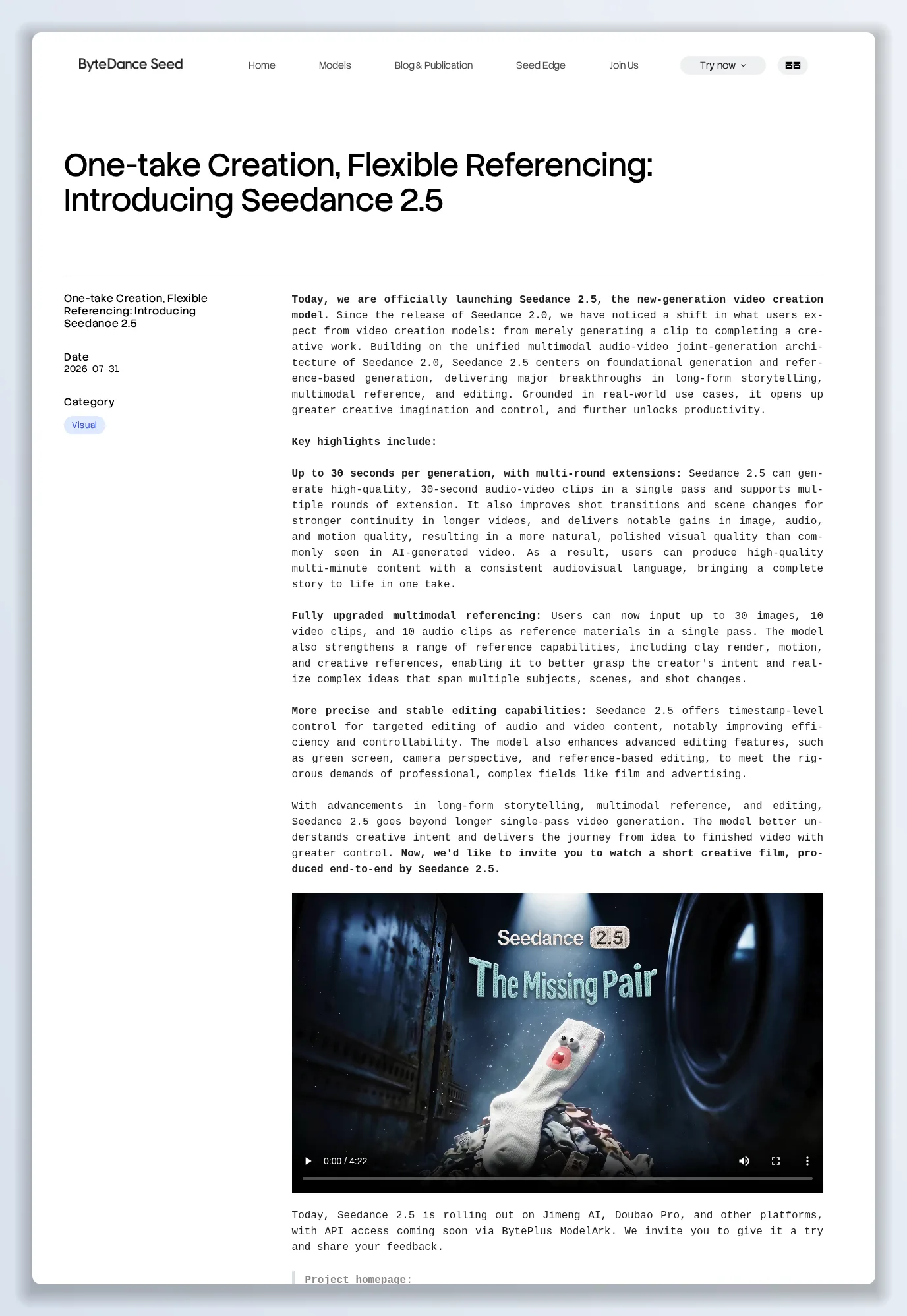
The launch post lays out the three upgrades — 30-second one-take generation with extension, 30/10/10 reference inputs, and timestamp-level editing.
Editing without regenerating
The third pillar is timestamp-level control: edit a specific span of audio or video in an existing Seedance 2.5 output rather than re-rolling the scene. Dreamina describes the same capability as editing specific video regions while preserving lighting, composition, motion, audio and timeline continuity — replacing a wrong object, fixing a character, adjusting a detail. Green-screen editing, camera-perspective changes and reference-based edits are also improved, aimed explicitly at film and advertising workflows.
Output quality and languages
ByteDance claims notable gains in image, audio and motion quality over Seedance 2.0, with smoother camera transitions and audio that stays in sync across cuts. Dreamina lists 4K output, up to 60 FPS on paid tiers, cleaner output with fewer random subtitles or unwanted background music, and native-language creation in Chinese, English, Spanish, Indonesian, Malay, Thai, Arabic, Portuguese, Vietnamese, Japanese and Korean.
Where to use Seedance 2.5
- Jimeng AI (web) — Video Generation → select Seedance 2.5.
- Doubao Pro — Video Generation → select Seedance 2.5.
- Dreamina (CapCut) — Seedance 2.5 is live worldwide, with free daily credits and a limited-time run of free Seedance 2.5 generations.
- API — “coming soon via BytePlus ModelArk” at launch; third-party platforms are meanwhile hosting Seedance 2.5 on their own credit systems.
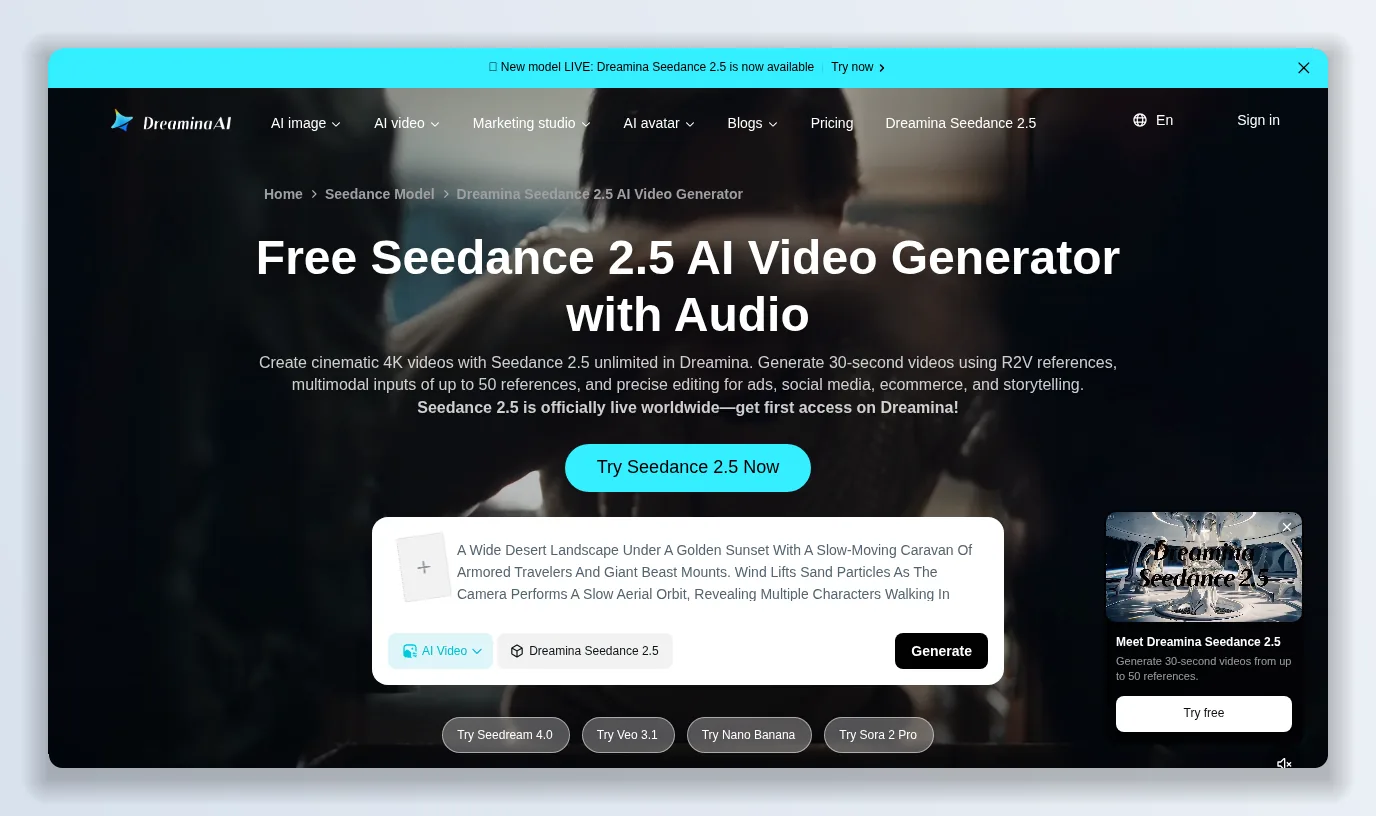
Dreamina is the easiest place to try Seedance 2.5 outside China: queue-free creation, free daily credits and paid tiers for watermark-free 4K.
Seedance 2.5 pricing
Seedance 2.5 has no single price because ByteDance is not (yet) selling it directly to developers. On Dreamina the model is free to try with daily credits; paid subscriptions add more monthly credits, watermark-free downloads, higher resolution, 60 FPS and lip-sync audio, with the exact credit cost per generation shown in-app. API pricing will arrive with ModelArk. Third-party studios that resell Seedance generally charge per generation from a credit pool, which is often the cheapest way to run volume while the official API is pending.
What Seedance 2.5 gets right
- Real storytelling in one pass. 30 seconds with structured shots and coherent extension is a step change.
- A serious reference budget — 30 images, 10 videos, 10 audio clips — with timestamp scripting.
- Editing that respects continuity instead of regenerating.
- Native audio and lip-sync in the same model.
- Professional controls — white-model, green-screen, camera perspective — aimed at ad and film pipelines.
Where Seedance 2.5 falls short
- Access is scattered. Jimeng, Doubao, Dreamina and resellers each have their own credits and limits, and the official API was not available at launch.
- Cost is opaque. Free daily credits are generous for testing but the price per finished 30-second 4K clip is only visible inside each app.
- Prompt complexity. Getting the best from Seedance 2.5 means writing timestamped, multi-reference prompts — the published examples run to hundreds of words.
- Watermarks and resolution caps on free tiers.
Seedance 2.5 vs the alternatives
Against Seedance 2.0, Seedance 2.5 wins on duration, references and editing. Against Western video models, Seedance 2.5’s edge is one-take audio-video generation with a large reference budget; its disadvantage is distribution. The practical question for most creators is not “which model” but “where can I run Seedance today with predictable credits” — which is why I kept a studio open.
Verdict: is Seedance 2.5 worth it in 2026?
Yes, if your work is story-shaped: ads, music videos, short films, multi-character scenes. Seedance 2.5’s 30-second one-take generation, extension and reference control are genuinely ahead of where most of the market is. The caveat is access — try it free on Dreamina, read ByteDance Seed’s launch post, and watch for the ModelArk API.
The alternative worth keeping next to it: Kyncept
Two Seedance 2.5 problems kept me on a second tab: access is split across apps with separate credit pools, and per-clip cost is hidden until you are inside one. Kyncept is a video and image studio that ships Seedance under one visible credit system alongside other models.
- Seedance in the same workspace as GPT Image 2 and the rest — Kyncept lists Seedance 2.0 as “the world’s best video model”, with early-access pricing up to 30% off.
- Credits you can see. A video starts at 10 credits, and every feature’s cost is shown before you run it.
- Free to start, no card. A $0 tier to try Kyncept, and an annual Hobbyist plan at $25 a year with downloadable exports.
- Templates and Auto-Mode Workers — UGC ads, story videos, explainers and viral-video clones, with background workers that generate on your preferences.
- Upgrade or downgrade any time, prorated.
Use Seedance 2.5 on Dreamina to explore what the model can do. When you need to run it as part of a production workflow with a credit balance you can plan around, keep Kyncept open.
Want to try it yourself?
Try Kyncept →